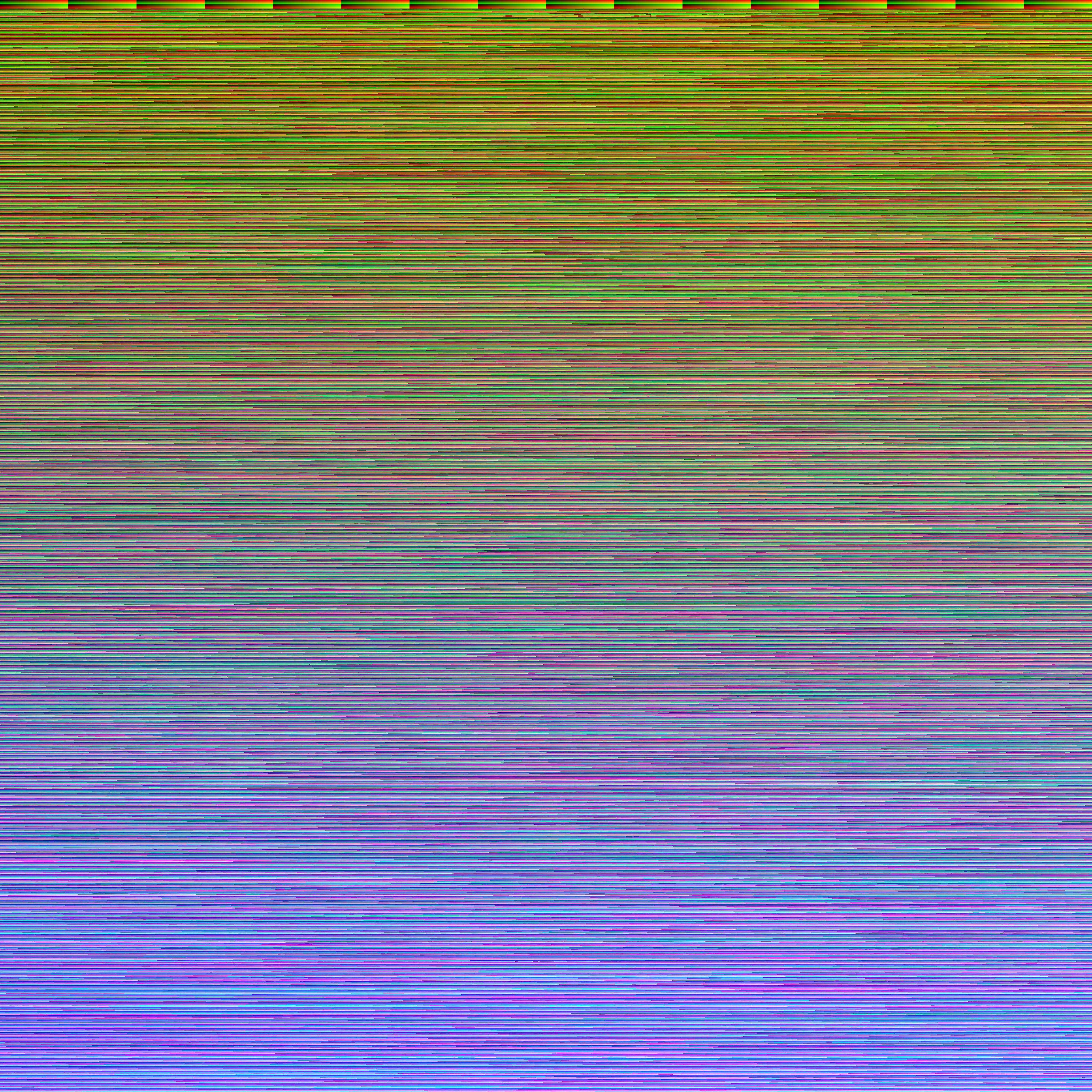
Inspired by "First attempt (by ChatGTP)" by ACJ, I also used ChatGPT, but instead with the prompt "Create an image containing 16777216 unique RGB colors with a 4096x4096 HTML canvas with the colors sorted using a Quicksort equivalent algorithm" to which ChatGPT responded:
"To create an image containing 16777216 unique RGB colors with a 4096x4096 HTML canvas, sorted using a Quicksort equivalent algorithm, you can use the following code:
<!DOCTYPE html>
<html>
<head>
  <title>RGB Color Palette</title>
</head>
<body>
  <canvas id="canvas" width="4096" height="4096"></canvas>

  <script>
    // Get a reference to the canvas element
    var canvas = document.getElementById('canvas');

    // Get the context of the canvas element
    var ctx = canvas.getContext('2d');

    // Create a new ImageData object
    var imageData = ctx.createImageData(4096, 4096);

    // Initialize an array to hold the RGB values for each pixel
    var pixelValues = [];

    // Populate the array with all possible RGB values
    for (var r = 0; r < 256; r++) {
      for (var g = 0; g < 256; g++) {
        for (var b = 0; b < 256; b++) {
          pixelValues.push([r, g, b]);
        }
      }
    }

    // Sort the array using a Quicksort equivalent algorithm
    quicksort(pixelValues, 0, pixelValues.length - 1);

    // Loop through all the pixels in the image
    for (var i = 0; i < imageData.data.length; i += 4) {
      // Get the RGB values for the current pixel
      var r = pixelValues[i / 4][0];
      var g = pixelValues[i / 4][1];
      var b = pixelValues[i / 4][2];

      // Set the RGB values for the current pixel
      imageData.data[i + 0] = r;
      imageData.data[i + 1] = g;
      imageData.data[i + 2] = b;
      imageData.data[i + 3] = 255;
    }

    // Put the image data on the canvas
    ctx.putImageData(imageData, 0, 0);

    function quicksort(arr, low, high) {
      // Quicksort function to sort the RGB values in the array
      if (low < high) {
        // Partition the array
        var pivot = partition(arr, low, high);

        // Recursively sort the left and right halves of the array
        quicksort(arr, low, pivot - 1);
        quicksort(arr, pivot + 1, high);
      }
    }

    function partition(arr, low, high) {
      // Partition function to divide the array into left and right halves
      var pivot = arr[high];
      var i = low - 1;

      for (var j = low; j < high; j++) {
        if (arr[j][0] <= pivot[0] && arr[j][1] <= pivot[1] && arr[j][2] <= pivot[2]) {
          i++;
          swap(arr, i, j);
        }
      }
      swap(arr, i + 1, high);
      return i + 1;
    }

    function swap(arr, i, j) {
      // Swap function to"
The code got cut off for some reason, so I asked it to continue the code starting from the "function swap(arr, i, j) {" line and it provided the rest of the code along with an explanation:
"Here is the rest of the code to create an image containing 16777216 unique RGB colors with a 4096x4096 HTML canvas, sorted using a Quicksort equivalent algorithm:
    function swap(arr, i, j) {
      // Swap function to swap the values at index i and index j in the array
      var temp = arr[i];
      arr[i] = arr[j];
      arr[j] = temp;
    }
  </script>
</body>
</html>
The swap function is used to swap the values at index i and index j in the array. This is used by the partition function to divide the array into left and right halves and by the quicksort function to recursively sort the left and right halves of the array.
Once the array of RGB values is sorted, it is looped through and the values are used to set the RGB values for each pixel in the image data. Finally, the image data is drawn onto the canvas using the putImageData method.
This should create an image containing 16777216 unique RGB colors with a 4096x4096 HTML canvas, sorted using a Quicksort equivalent algorithm."
Impressively, after saving the code as an HTML file and running it in a browser, it indeed generates an image which contains all the colors sorted using a Quicksort method.
I expected the image to be the same as "quicksort" by tripwire, however it is indeed different.
Image License: Public Domain (CC0).